
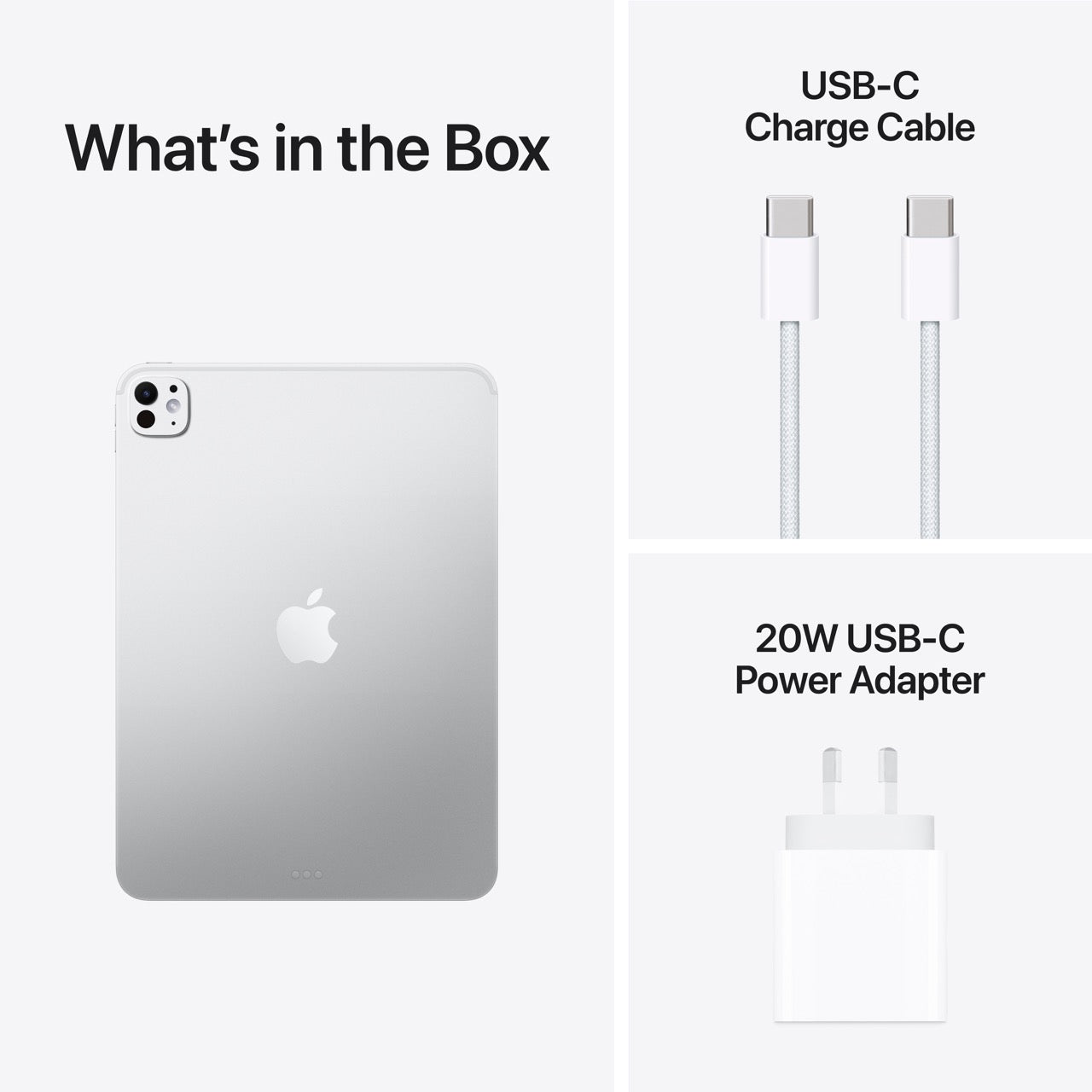


Description
Important Information
Please note: This iPad Pro is a Demo Unit. The device is brand new, factory sealed, and includes Apple's standard 1-year Limited Warranty.
During the initial setup process, you will be presented with two options:
- Demo Mode – for retail display purposes.
- Normal User Mode – for personal use.
Simply select Normal User Mode, and the iPad will automatically perform a factory reset and complete the setup as a standard retail device.
Once setup is complete, the iPad functions exactly like a regular retail unit with no demo restrictions, allowing you to use all features normally.
What's Included:
- Brand new, factory sealed iPad Pro
- Full Apple Standard 1-Year Limited Warranty
- Ready for normal personal use after selecting Normal User Mode during setup
Important Information
Please note: This iPad Pro is a Demo Unit. The device is brand new, factory sealed, and includes Apple's standard 1-year Limited Warranty.
During the initial setup process, you will be presented with two options:
- Demo Mode – for retail display purposes.
- Normal User Mode – for personal use.
Simply select Normal User Mode, and the iPad will automatically perform a factory reset and complete the setup as a standard retail device.
Once setup is complete, the iPad functions exactly like a regular retail unit with no demo restrictions, allowing you to use all features normally.
What's Included:
- Brand new, factory sealed iPad Pro
- Full Apple Standard 1-Year Limited Warranty
- Ready for normal personal use after selecting Normal User Mode during setup
If iPad doesnt prompt for Normal Mode How to Restore your device to factory settings using Windows Devices or Mac
-
Open the Finder on Mac or the Apple Devices app on a PC. If your PC doesn't have the Apple Devices app, or your Mac uses macOS Mojave or earlier, open iTunes instead.
-
Connect your device to your computer.
-
If a message asks for your device passcode or to Trust This Computer, follow the on-screen steps.
-
Select your device when it appears on your computer. Find out what to do if your iPhone, iPad, or iPod touch is unresponsive or won’t turn on. Or get help if your device doesn't appear on your computer.
-
Click Restore [Device]*. If you're signed in to Find My, you need to sign out before you can click Restore.

-
Click Restore again to confirm. Your computer erases your device and installs the latest iOS, iPadOS or iPod software.

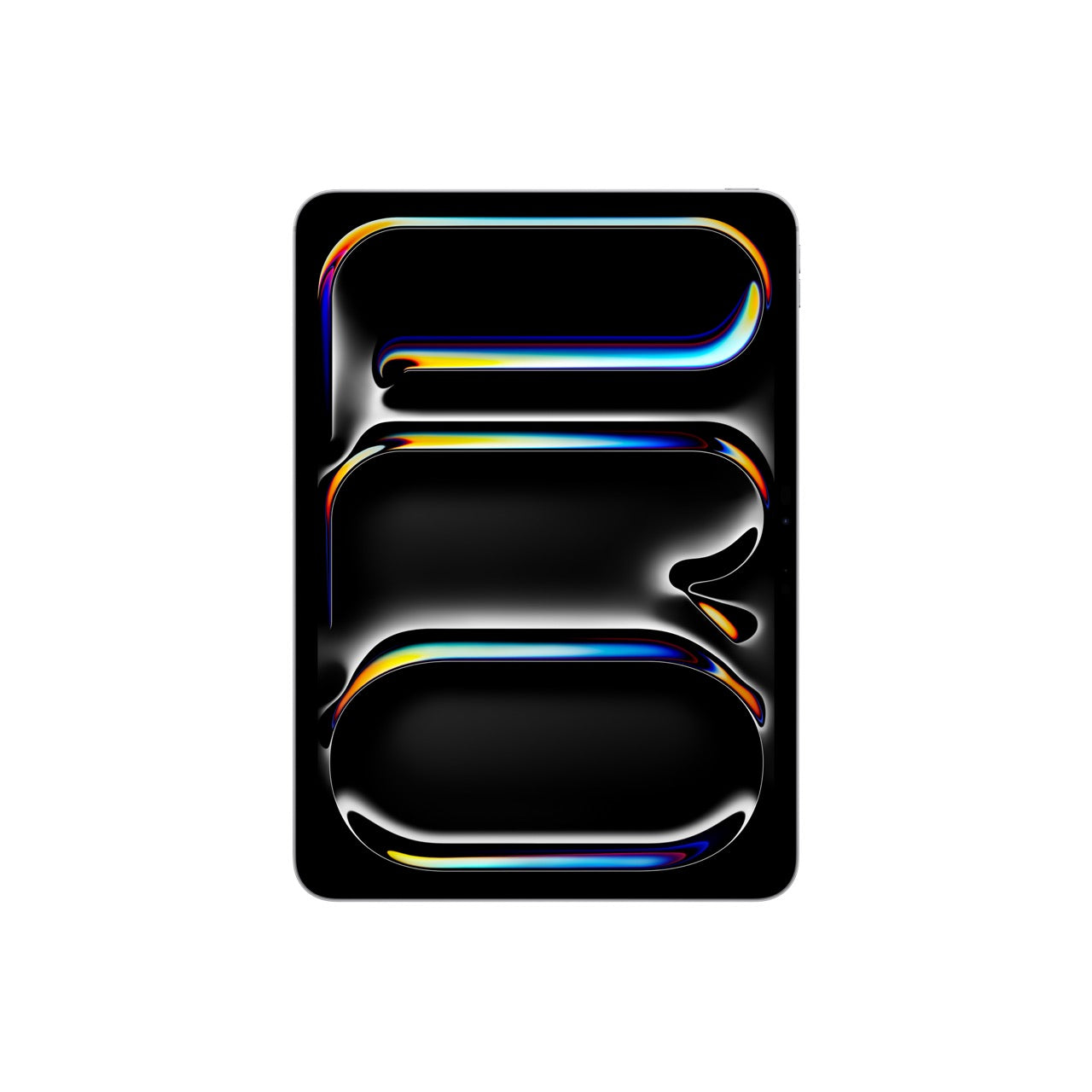
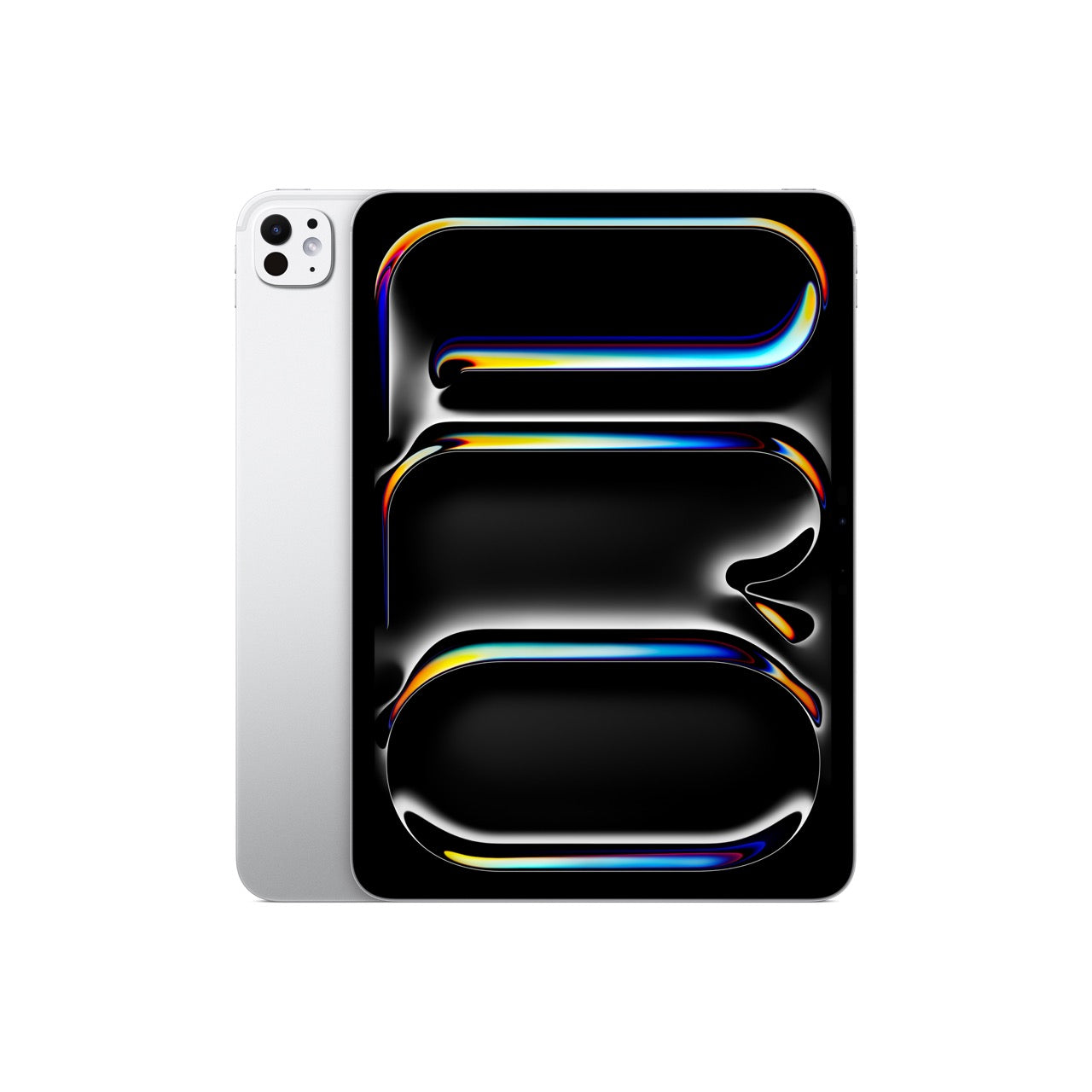
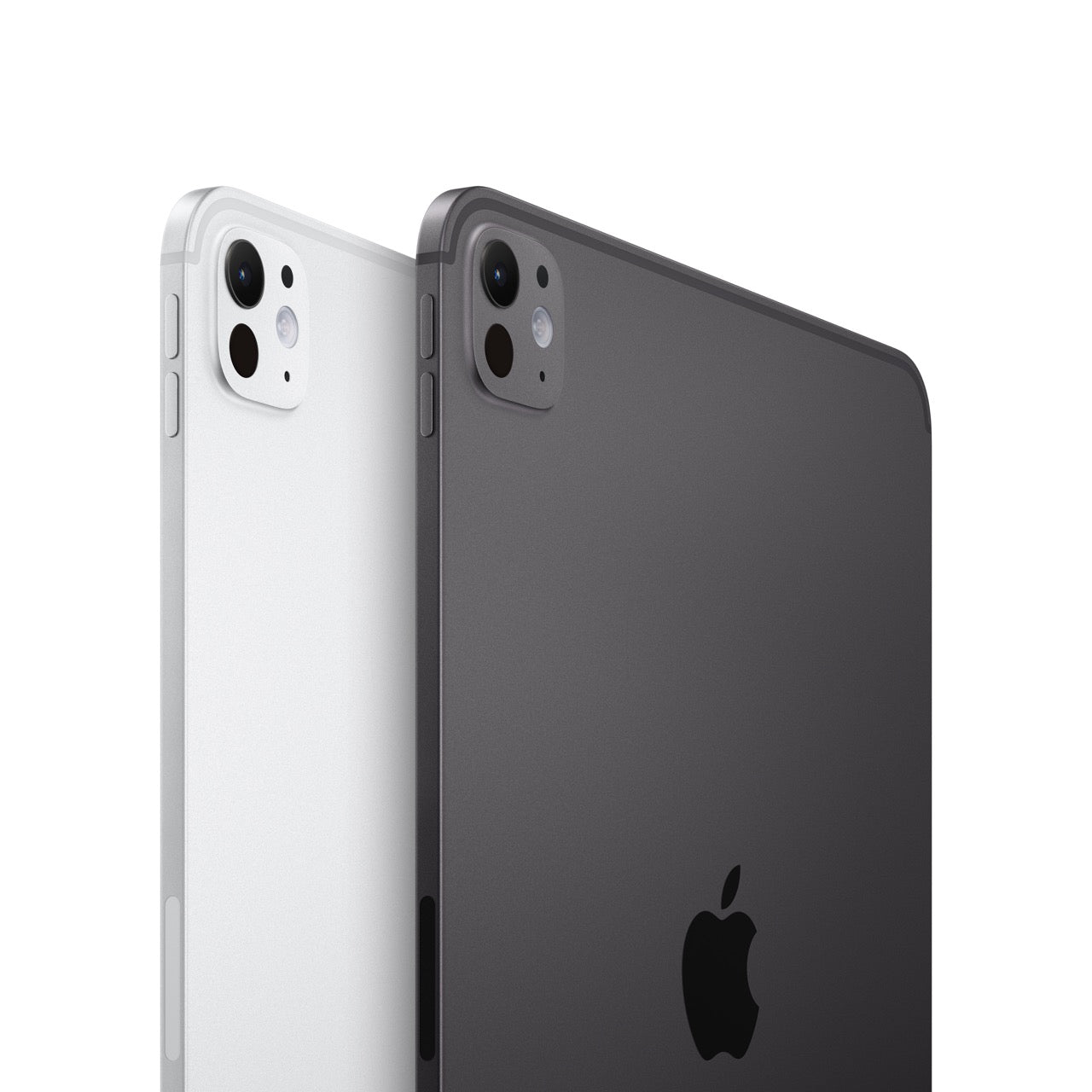
iPad Pro 11in (M5) Wi-Fi 256GB with Standard Glass - Silver
|
Warranty |
|
||||
|
Limited Warranty URL |
https://www.apple.com/au/legal/warranty/products/ios-warranty-rest-of-apac-english.html |
||||
|
Battery Information |
|
||||
|
Battery Capacity |
8160 mAh |
||||
|
Maximum Web Surfing Battery Time |
10 Hours |
||||
|
Operating System |
|
||||
|
Operating System |
iPadOS 26 |
||||
|
Operating System Platform |
iPadOS |
||||
|
Power Description |
|
||||
|
Power Source |
AC Adapter |
||||
|
Battery |
|||||
|
Maximum Power Supply Wattage |
20 W |
||||
|
Processor |
|
||||
|
Processor Type |
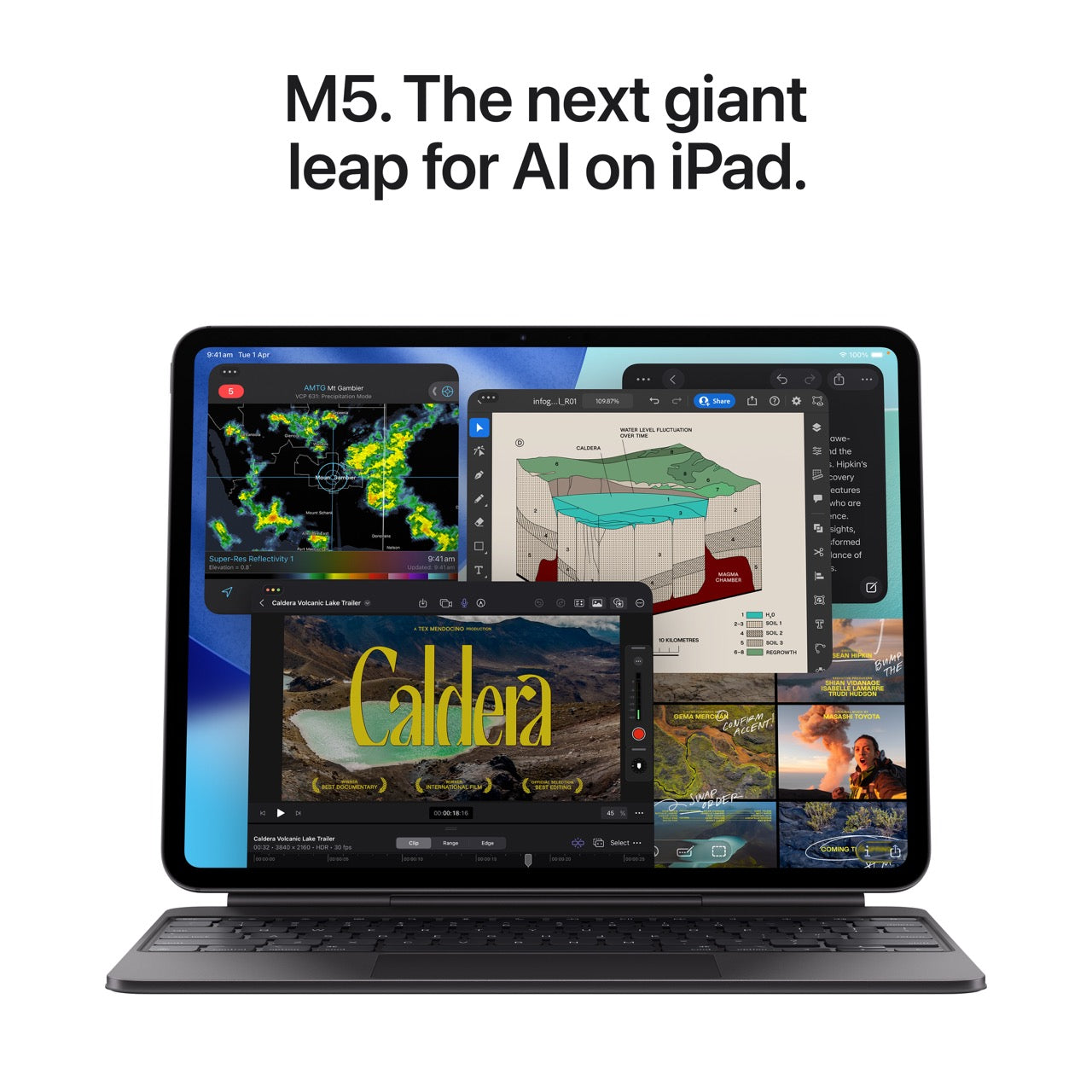
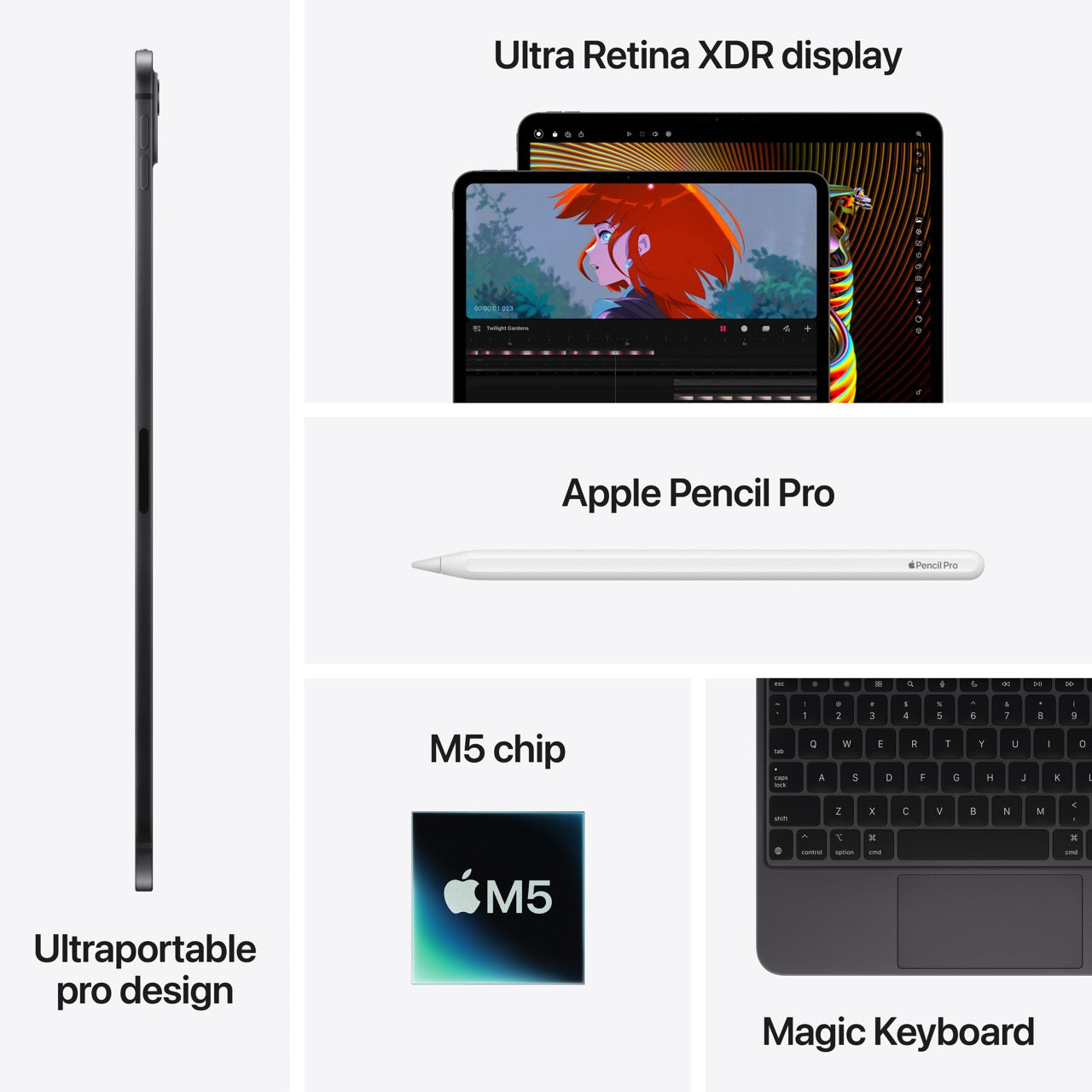
M5 |
|
|||
|
Processor Core |
Deca-core (10 Core) |
|
|||
|
Processor Manufacturer |
Apple |
|
|||
|
Interfaces/Ports |
|
||||
|
DisplayPort |
Yes |
|
|||
|
Thunderbolt |
Yes |
|
|||
|
Charging Interface |
USB Type C |
|
|||
|
USB Type-C |
Yes |
|
|||
|
USB Type-C Detail |
USB Type-C 4 (Thunderbolt 3), DisplayPort, magnetic connector |
|
|||
|
General Information |
|
||||
|
Product Type |
Tablet |
|
|||
|
Manufacturer Website Address |
http://www.apple.com/au |
|
|||
|
Manufacturer |
Apple, Inc |
|
|||
|
Brand Name |
Apple |
|
|||
|
Network & Communication |
|
||||
|
Bluetooth |
Yes |
|
|||
|
Wireless LAN |
Yes |
|
|||
|
WWAN Supported |
No |
|
|||
|
Wireless LAN Standard |
IEEE 802.11 a/b/g/n/ac/ax(6E)/be |
|
|||
|
Bluetooth Standard |
Bluetooth 6.0 |
|
|||
|
Near Field Communication |
No |
|
|||
|
Cellular Phone Capability |
No |
|
|||
|
Physical Characteristics |
|
||||
|
Weight (Approximate) |
444 g |
|
|||
|
Form Factor |
Slate |
|
|||
|
Height |
249.7 mm |
|
|||
|
Width |
177.5 mm |
|
|||
|
Depth |
5.3 mm |
|
|||
|
Technical Information |
|
||||
|
Video Formats |
AV1 |
|
|||
|
|
|
||||
|
ProRes |
|
||||
|
H.264 |
|
||||
|
Audio Formats |
MP3 |
|
|||
|
Apple Lossless |
|
||||
|
AAC |
|
||||
|
FLAC |
|
||||
|
Release Year |
2025 |
|
|||
|
AI-powered |
Yes |
|
|||
|
Built-in Devices |
|
||||
|
Focus Modes |
Auto-focus |
|
|||
|
Sensor Type |
Ambient Light Sensor |
|
|||
|
Barometer |
|
||||
|
Digital Compass |
|
||||
|
Three-axis Gyro |
|
||||
|
ToF |
|
||||
|
Accelerometer |
|
||||
|
Digital Zoom |
5x |
|
|||
|
Rear Camera |
Yes |
|
|||
|
Rear Camera Resolution |
12 Megapixel |
|
|||
|
Front Camera |
Yes |
|
|||
|
Front Camera Resolution |
12 Megapixel |
|
|||
|
Rear Camera Aperture |
f/1.8 |
|
|||
|
Front Camera Aperture |
f/2.0 |
|
|||
|
Display & Graphics |
|
||||
|
Aspect Ratio |
3:2 |
|
|||
|
Contrast Ratio |
2,000,000:1 |
|
|||
|
Screen Resolution |
2420 x 1668 |
|
|||
|
Brightness |
1600 cd/m² |
|
|||
|
Screen Size |
11" |
|
|||
|
Graphics Controller Manufacturer |
Apple |
|
|||
|
Graphics Memory Accessibility |
Shared |
|
|||
|
Display Screen Type |
Tandem OLED |
|
|||
|
Display Screen Technology |
Ultra Retina XDR Display |
|
|||
|
True Tone Technology |
|
||||
|
Color Gamut |
DCI-P3 |
|
|||
|
High Dynamic Range (HDR) Type |
HDR10 |
|
|||
|
HDR10+ |
|
||||
|
Pixel Density (ppi) |
264 |
|
|||
|
Graphics Processor Core |
Deca-core (10 Core) |
|
|||
|
Miscellaneous |
|
||||
|
Package Contents |
|
|
|||
|
Features |
Anti-reflective Coating |
|
|||
|
AssistiveTouch |
|
||||
|
Face Recognition |
|
||||
|
Fingerprint Resistant |
|
||||
|
Smart HDR 4 |
|
||||
|
iBeacon |
|
||||
|
LiDAR Scanner |
|
||||
|
Live Translation |
|
||||
|
Neural Engine |
|
||||
|
Oleophobic Coating |
|
||||
|
Real-time Text (RTT) |
|
||||
|
Scratch Resistant Glass |
|
||||
|
Screen Magnifier |
|
||||
|
Voice Control |
|
||||
|
Volume Control Button |
|
||||
|
High Dynamic Range (HDR) |
|
||||
|
Charger Included |
Yes |
|
|||
|
Virtual Assistant Supported |
Siri |
|
|||
|
Energy Star |
Yes |
|
|||
|
Included Charger Power |
20 W |
|
|||